HYPER REALISM
Hyperrealism is the young art form of creating illusions by improving reality. Artists of this genre take their works beyond the purely photographic quality by focusing on visual, social and cultural details of everyday life. They play with the intensity of color, lighting, contrast, and sharpness to shape a more vivid representation of what we can see with the naked eye. This is what separates hyperrealism from its more naturalistic predecessor, photorealism.
Materials
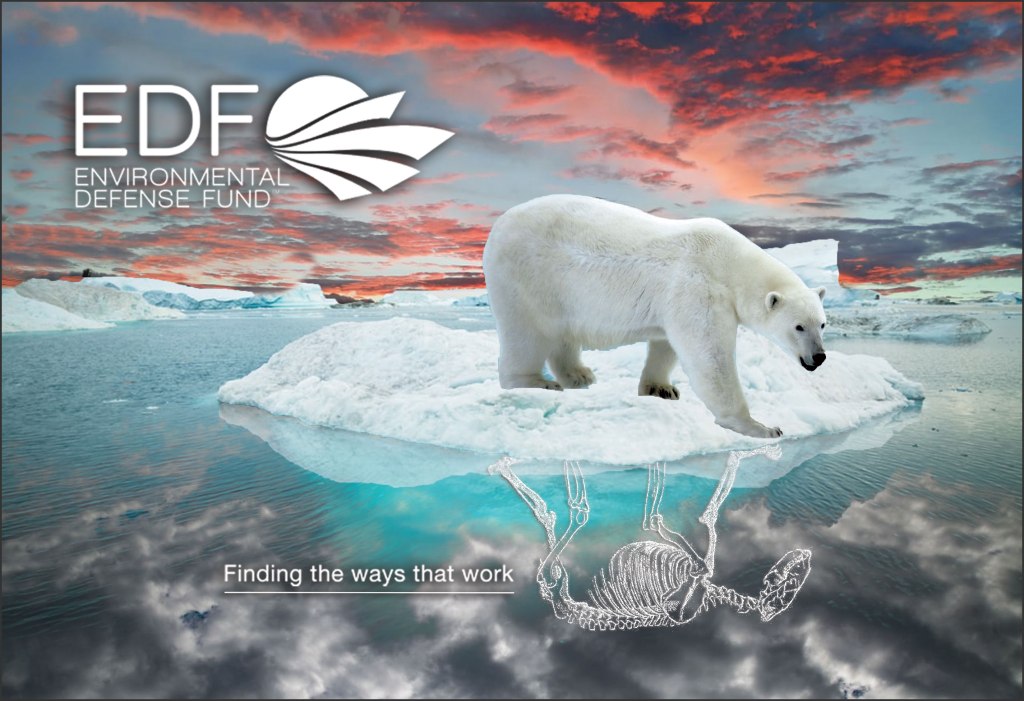
All the material used in this work came from google. I needed high resolution images in order to create a quality work of art. I used 6 images that had the necessary to make everything look more professional. A poor quality image would totally detract from the quality of the final product.
Process and Challenges
For this project I started with the background image that I would only use it as a guide to place the rest of the elements. then add the water and ice where the bear will be standing. to give a little more contrast change the sky and its reflection in the water. with more vivid colors in the sky and darker colors in the reflection of the water. One of the biggest challenges I had for this project was to figure out what exactly do and if it would work visually. I had some ideas and I couldn’t make it work, but after several tries I decided to change the original idea and it worked much better. It is important to realize when an idea does not work and also to know how to start all over again if necessary.
Final Result
CUBISM
Cubism is a movement in art that began in France in 1907 that is characterized by the use of geometric planes and shapes. Works of Pablo Picasso that consist of interlocking shapes and geometric planes are examples of cubism. The main characteristics of Cubism were the use of mixed media and collage and the creation of a flatter space than with analytical cubism. Other characteristics were greater use of color and greater interest in decorative effects.
Materials
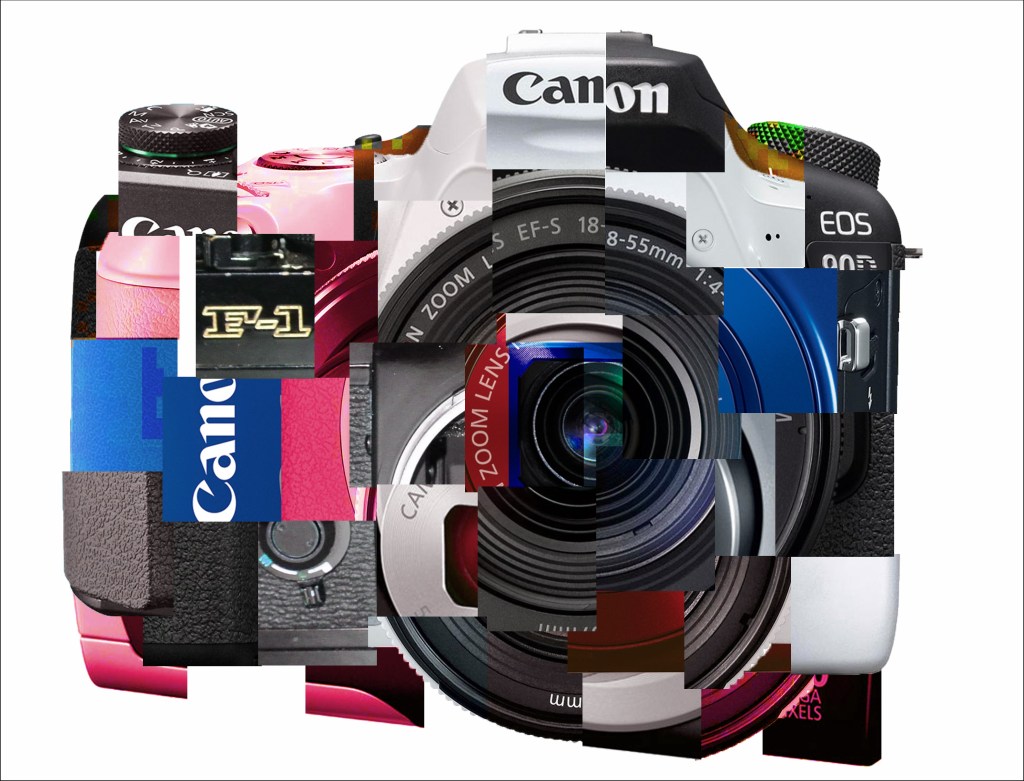
For this project I used around 9 Canon camera images from different times and took pieces of each to form a single camera from different types of cameras and different models with different colors and different angles.
Process and Challenges
For this project I was not sure what my topic would be nor qualitative the final result. After brainstorming various ideas, I decided to create a collage image.
One of the most difficult things in this project was to cut each part and in a way that is eye-catching. Professor Krikun explained to me how to select each of the parts so that they all have the same size and the process is much faster. It was hard to arrange all the pieces so that it looks like a camera despite the different agglomerations.
Final Result
TYPE & MOTION
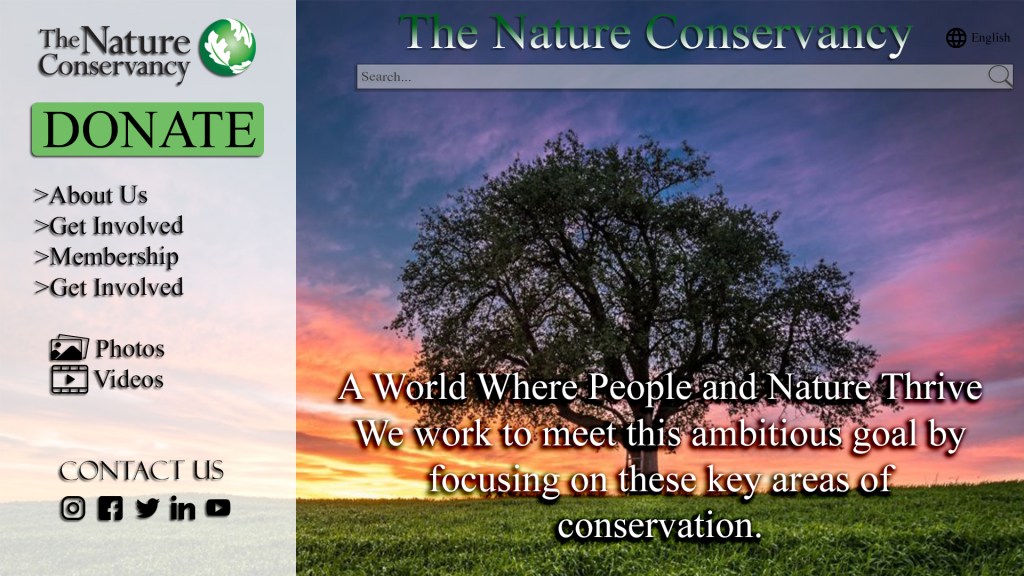
For this assignment we had to create a motion graphic videousing photoshop.
Materials
To create this video we had to find una organizacion sin fines de lucro, y crear un ad video usando imagenes y texto de la organizacion. I used 9 images of animals, landscape, and cities and its logo.
Process and Challenges
In this project I had to use Photoshop to create a video. Normally I usually use Adobe Premiere, at first it was difficult, but at once I understood it, it was much easier. Prepare all assets for the video, add the text layers and everything you need in the desired order before opening the timeline. after that I had to adjust each image and text to the desired time. just like adding effects to each of the layers.
Final Result
 Alex Gallego